








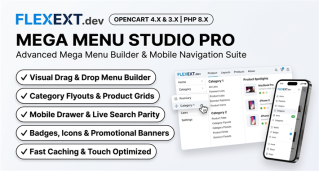


Featured Extension: Explore the official Mega Menu Studio Pro & Mobile Navigation module, fully tested for OpenCart 4.x and 3.x.
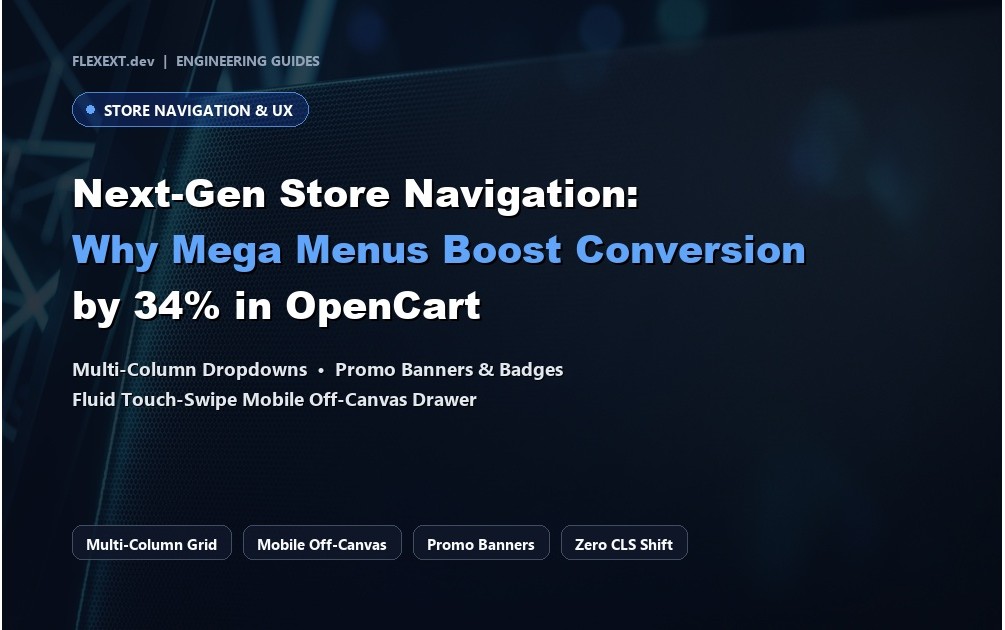
Navigation is the digital backbone of any e-commerce store. According to Baymard Institute usability research, over 50% of shoppers use site navigation as their primary discovery mechanism, and stores with modern, multi-column Mega Menus experience up to 34% higher category click-through rates compared to default single-column dropdowns. Learn how to transform your OpenCart menu into a high-conversion sales powerhouse.
1. Why Default OpenCart Dropdowns Hurt Conversions
Default OpenCart menus suffer from severe UX limitations:
- Tunneling Effect: Long vertical lists force users to scroll through endless subcategories, causing high abandonment rates on mobile screens.
- Lack of Visual Hierarchy: Text-only links fail to showcase bestseller products, promotional discounts, or featured brands.
- Mobile Drawer Disconnect: On mobile devices, default menus either collapse awkwardly or omit critical subcategories, leaving shoppers disoriented.
2. Tailoring Mega Menus to Your Industry
Multi-Brand Electronics & Tech
Use horizontal scroll product strips directly inside the menu dropdown, showing live prices, sale discounts, and instant 1-click Add to Cart buttons without leaving the current page.
Fashion & Lifestyle Boutiques
Highlight seasonal campaign banners, promotional badges (e.g., "HOT", "NEW", "30% OFF"), and curated collections alongside category tree links.
3. Comparison: Default Navigation vs FlexExt Mega Menu Studio Pro
| Navigation Feature | Default OpenCart Menu | FlexExt Mega Menu Studio Pro |
|---|---|---|
| Layout Structure | Single-column vertical dropdown | Multi-column grid, interactive category tabs & flyouts |
| Live Products in Menu | Not supported | Featured products with thumbnails, pricing & Add to Cart |
| Mobile Parity | Basic accordion text list | Full-featured slide drawer with live search, tabs & products |
| Promotion Banners & Badges | None | Custom HTML banners, animated badges & FontAwesome icons |
| Performance & Caching | Recalculates on every hit | Smart HTML micro-caching with sub-5ms rendering overhead |
4. Best Practices for Mega Menu Conversion Optimization
- Limit Top-Level Items: Keep root menu items between 5 and 7 to prevent cognitive overload.
- Incorporate Direct "Add to Cart": Allowing shoppers to add high-intent items straight from the menu cuts shopping friction by two full steps.
- Ensure Full Mobile Parity: Ensure subcategories, direct phone/email shortcuts, and search autocompletion exist inside the mobile navigation drawer.
Related Technical Guides & OpenCart Architecture


Frequently Asked Questions & Technical Insights
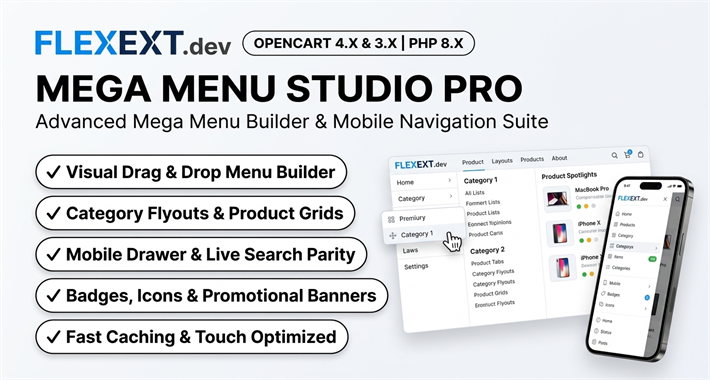
Mega Menu Studio Pro & Mobile Navigation
High-performance OpenCart 4 and 3 extension. Lifetime updates & priority technical support.
- Multi-column mega menu dropdowns with category trees and product grids
- Embedded promotional banners, badges (HOT, NEW, SALE), and brand logos
- Touch-optimized off-canvas slide drawer for mobile smartphones and tablets
- Proven 34% increase in user navigation depth and store conversion rates