100% FREE COMMUNITY EDITION - NO LICENSE KEY REQUIRED!
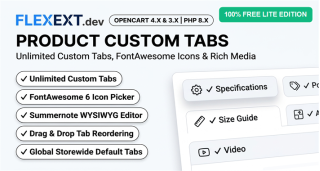
Install in 10 seconds and instantly add a custom product tab (Size Guide, Shipping Info, Warranty, FAQ) with rich formatting on your OpenCart 3 & 4 stores!
Add 1 Custom Product Tab with Rich Multilingual WYSIWYG Editor
Need to display a universal Size Guide, Shipping & Delivery Policy, Warranty Terms, or Technical Specifications across your products without paying for complex modules?
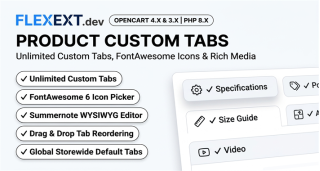
Product Custom Tabs Lite (Free Edition) delivers a fast, lightweight, and zero-friction solution to add 1 custom tab across your product pages. It features a full multilingual WYSIWYG editor (Summernote / CKEditor) to create tables, bold typography, bulleted lists, and embed visuals, along with FontAwesome icon integration and custom sort ordering.
Key Free Lite Features:
- 1 Custom Tab for Products: Size Chart, Delivery Schedule, Warranty or FAQ.
- Rich Multilingual WYSIWYG Editor: Formatted tables, lists, text & styling per language.
- FontAwesome Tab Icons: Ruler, Truck, Shield, Book, Question presets.
- Flexible Tab Positioning: Custom sort order alongside Description & Reviews.
- Zero Core Modifications: 100% Event-Driven (OC4) & clean OCMOD (OC3).
- Universal Theme Compatibility: Default, Journal 3, Basel, Fastor, Poco.
- 100% Free: No commercial license key required on unlimited stores!
Unlock Unlimited Power with PRO:
Need unlimited tabs, category-specific rules, customer group restrictions, or video players?
- Unlimited Custom Tabs per product
- Category-Specific Tab Assignment
- Customer Group Restrictions (B2B vs. Retail)
- YouTube & Vimeo Responsive Video Tabs
- Excel Bulk Manager Pro Integration (XLSX / CSV)
Feature Comparison: Free Lite vs. Commercial PRO
| Feature |
Free Lite Edition |
Commercial PRO Suite |
| Number of Custom Tabs |
1 Custom Tab |
UNLIMITED Custom Tabs |
| Storewide Global Tab Deployment |
Included |
Included |
| Multilingual WYSIWYG Editor & Icons |
Included |
Included |
| Category-Based Tab Rules |
Not Available |
Dynamic Category Rules |
| Customer Group Rules (B2B / Retail) |
Not Available |
Granular B2B / Wholesale Rules |
| YouTube & Vimeo Video Player Tabs |
Not Available |
1-Click Responsive Video Embeds |
| Excel Bulk Manager (XLSX / CSV) |
Not Available |
Full Bulk Import & Export |
| Commercial License Key Required |
NO - 100% Free |
Yes (Commercial Key) |

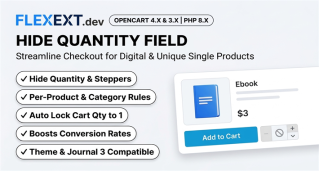 Hide Quantity Field & Single Item Enforcer Pro$35.00 $25.00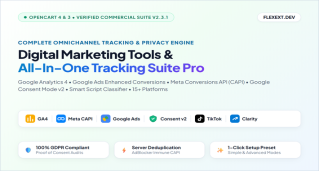
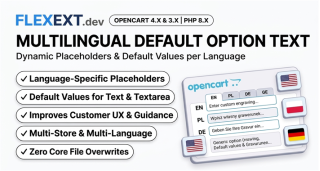 Multilingual Option Default Text & Placeholder Manager$35.00 $25.00
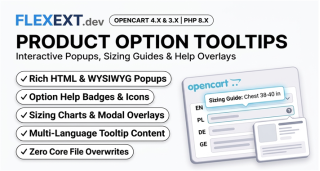 Option Tooltips & Interactive Help Popovers for OpenCart$35.00 $25.00
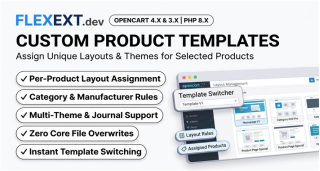 Product Custom Page Templates & Individual Layout Styler$35.00 $25.00
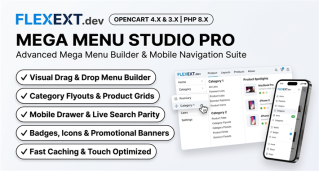 Mega Menu Studio Pro & Mobile Navigation Suite$35.00 $25.00