
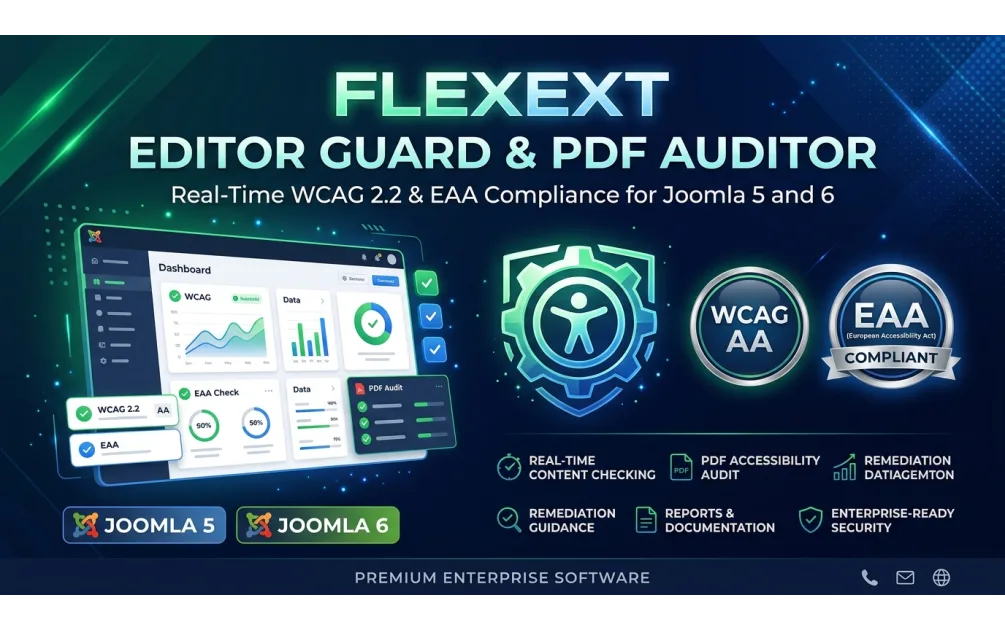
European Accessibility Act (EAA) & WCAG 2.2 AA Compliance Guide for Joomla 5/6 & WordPress
- FlexExt Engineering Team
- 12/11/2026
Under the European Accessibility Act (Directive EU 2019/882) and harmonized standard EN 301 549 (WCAG 2.2 Level AA), e-commerce stores, booking portals, banking/financial services, and public-facing digital services operating in the European Union must provide accessible navigation, sufficient Light/Dark contrast, screen-reader semantics, accessible PDF documents, and an up-to-date Accessibility Statement.
Why Overlay Widgets Alone Do Not Make a Site EAA Compliant
Adding a cosmetic frontend toolbar helps low-vision and dyslexic visitors adjust typography and spacing, and is a valuable assistive aid—which is why we provide 100% free, zero-tracking toolbars and declaration generators for both Joomla 4/5/6 (on JED) and WordPress (on GitHub). However, genuine WCAG 2.2 AA compliance requires catching structural violations inside your content editor before editors hit publish.
5 Mandatory WCAG 2.2 AA Technical Checks for Joomla & WordPress
- Minimum 4.5:1 Contrast in Both Light and Dark Themes (SC 1.4.3 & 1.4.11): Never set text
colorwithout an explicit pairedbackground-color, and avoid hardcoded Bootstrap classes that vanish in Dark Mode. - Permitted ARIA Roles & Keyboard Focus Indicators (SC 2.4.7 & 4.1.2): Never place
aria-labelon un-roled genericelements; ensure interactive controls are nativeorelements with visible focus rings. - Heading Hierarchy & Descriptive Alt Attributes (SC 1.1.1 & 1.3.1): Prevent skipped heading levels (e.g., jumping from
H1toH4) and missing imagealtdescriptions. - Tagged, OCR-Searchable PDF Documents: Un-tagged image-only PDF scans uploaded to media libraries are one of the most frequent EAA audit failures.
- Published Legal Accessibility Statement: Provide clear conformance status, feedback contact channels, and enforcement procedure links.
Automated Editor Guard & Structural PDF Auditing
Free Community Editions (GPLv2+): Download FlexExt Web Accessibility & EAA Guard Free for Joomla or grab the WordPress edition on GitHub (flexext-dev/free).
Commercial Pro Suites (Real-Time Editor Guard + Structural PDF Scanner): Upgrade to Real-Time WCAG 2.2 / EAA Editor Guard Pro for Joomla 5 & 6 or Real-Time WCAG 2.2 / EAA Editor Guard Pro for WordPress.
Frequently Asked Questions
Does the European Accessibility Act apply to private e-commerce stores?
Yes. Directive (EU) 2019/882 explicitly covers e-commerce websites and mobile applications selling products or services to EU consumers, with microenterprise exemptions depending on turnover and headcount.
How does the Structural PDF Auditor detect inaccessible PDFs?
Our Pro PDF scanner inspects uploaded PDF byte streams locally on your server to verify `/StructTreeRoot` tagging, `/Lang` metadata, and extractable text layers vs raw scanned images.
Does FlexExt EAA Guard send visitor data to external cloud servers?
Zero. Both Free and Pro editions execute 100% locally on your Joomla or WordPress server with zero third-party cookies and full GDPR compliance.
Is the accessibility toolbar compatible with keyboard-only and screen-reader users?
Yes. All toolbar controls use native `
Can I generate a compliant Accessibility Statement automatically?
Yes. Both the Joomla and WordPress plugins include a built-in multi-standard Accessibility Declaration generator supporting EU EN 301 549, US ADA/Section 508, and UK Equality Act templates.
Tags: european accessibility act joomla, wcag 2.2 wordpress plugin, eaa 2025 compliance ecommerce, en 301 549 accessibility statement, pdf accessibility checker