
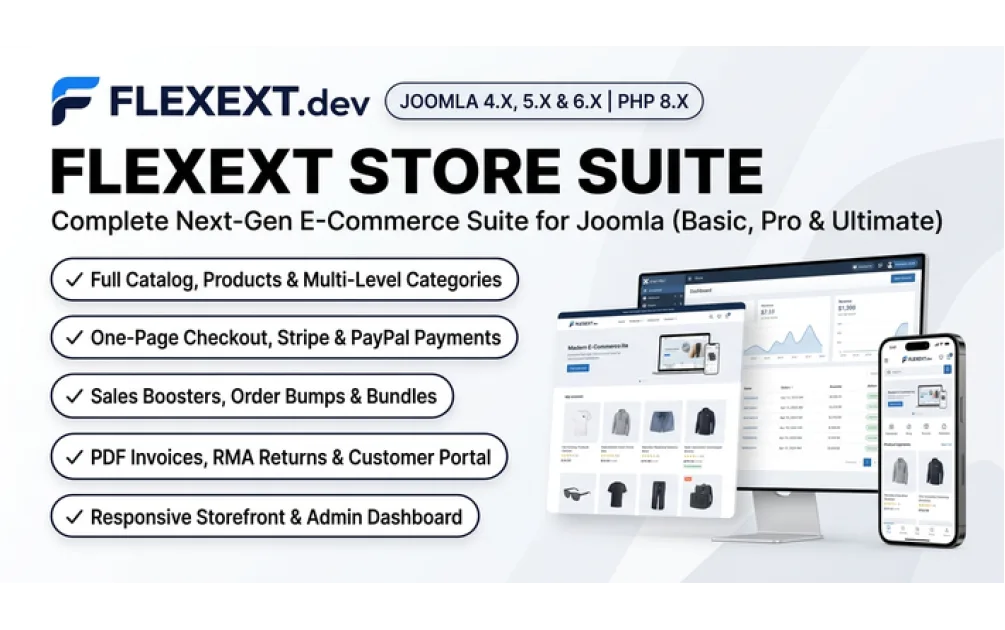
How to Build a Fast Native Online Store in Joomla 6 (Step-by-Step Guide with BLIK, Stripe & AI SEO)
- FlexExt Engineering Team
- 12/11/2026
Launching a high-converting online store on Joomla 6 no longer requires stitching together dozens of incompatible plugins or enabling deprecated Joomla 3 compatibility layers. In this step-by-step engineering guide, you will install a native Joomla 6 e-commerce storefront, configure Stripe & BLIK payments, meet European Accessibility Act (EAA 2025) rules, and expose machine-readable /llms.txt feeds to AI search assistants in under 20 minutes.
Step 1: Install FlexExt Store on Joomla 6
Download the free community package directly via 1-click (pkg_flexext_store_basic_v1.17.5.zip) or from the official Joomla! Extensions Directory (JED). In your Joomla 6 Administrator panel, navigate to System → Install → Extensions and drop the ZIP archive. All component tables, storefront modules, and Smart Search plugins are provisioned automatically.
Step 2: Configure Currencies, Tax Rates & EU Omnibus Pricing
Open Components → FlexExt Store → Settings to set your base currency (EUR, USD, GBP, or PLN), VAT tax classes, and automatic 30-day lowest price tracking required by the EU Omnibus Directive whenever running promotional discounts.
Step 3: Enable Express Checkout Gateways & Parcel Lockers
For commercial stores running FlexExt Store PRO or Ultimate, enable 1-screen AJAX checkout with Stripe Elements (Apple Pay / Google Pay), PayPal, Przelewy24 BLIK, and interactive InPost Paczkomaty 24/7 map selection—plus automatic PDF VAT invoice emailing upon order confirmation.
Step 4: Activate EAA 2025 Accessibility & AI Agent Readiness (GEO)
Complete your Joomla 6 stack with our free JED-verified companion plugins (also hosted on GitHub):
- WCAG 2.2 AA Compliance: Install FlexExt Web Accessibility & EAA Guard Free (Pro Editor & PDF Auditor here).
- Generative Engine Optimization (
/llms.txt): Install FlexExt AI SEO & Agent Readiness Free (Pro Markdown Negotiation Suite here) so ChatGPT, Claude, Perplexity, and Google AI Overviews cite your catalog accurately. - Content Marketing & Blog UX: Enhance Joomla articles with Content - FlexExt Articles Hub Free.
Launch Your Joomla 6 Store Today
Explore the live Joomla 6 Demo Store, read the full setup docs at docs.flexext.store, and deploy any commercial edition at flexext.dev with instant unencrypted source code access.
Frequently Asked Questions
What PHP and database versions are recommended for a Joomla 6 online store?
We recommend PHP 8.2, 8.3, or 8.4 with OPcache enabled and MySQL 8.0+ or MariaDB 10.6+ for sub-50ms Time to First Byte (TTFB).
Does FlexExt Store generate clean SEF URLs and Schema.org Product JSON-LD?
Yes. Modern Joomla routing removes legacy item IDs from product and category URLs, while outputting Google Merchant-compliant Product, Offer, AggregateRating, and BreadcrumbList JSON-LD.
Can I sell both physical goods and digital downloads in Joomla 6?
Yes. FlexExt Store supports physical inventory with shipping weight/carrier rules as well as instant digital downloads with customer account access.
Is Joomla Smart Search (Finder) supported for instant product filtering?
Yes. The bundled Finder plugin automatically indexes product titles, SKUs, attributes, and descriptions whenever you save an item.
How do updates work in Joomla 6?
All free and commercial FlexExt extensions integrate with the native Joomla Update System XML manifest for 1-click administrator updates.
Tags: how to build joomla 6 store, joomla 6 ecommerce tutorial, joomla 6 stripe blik, joomla 6 online shop setup, flexext store tutorial